
EXAMPLE BREAKDOWN · CREATION TEMPLATE
AI Album CoverTemplate & recreation guide
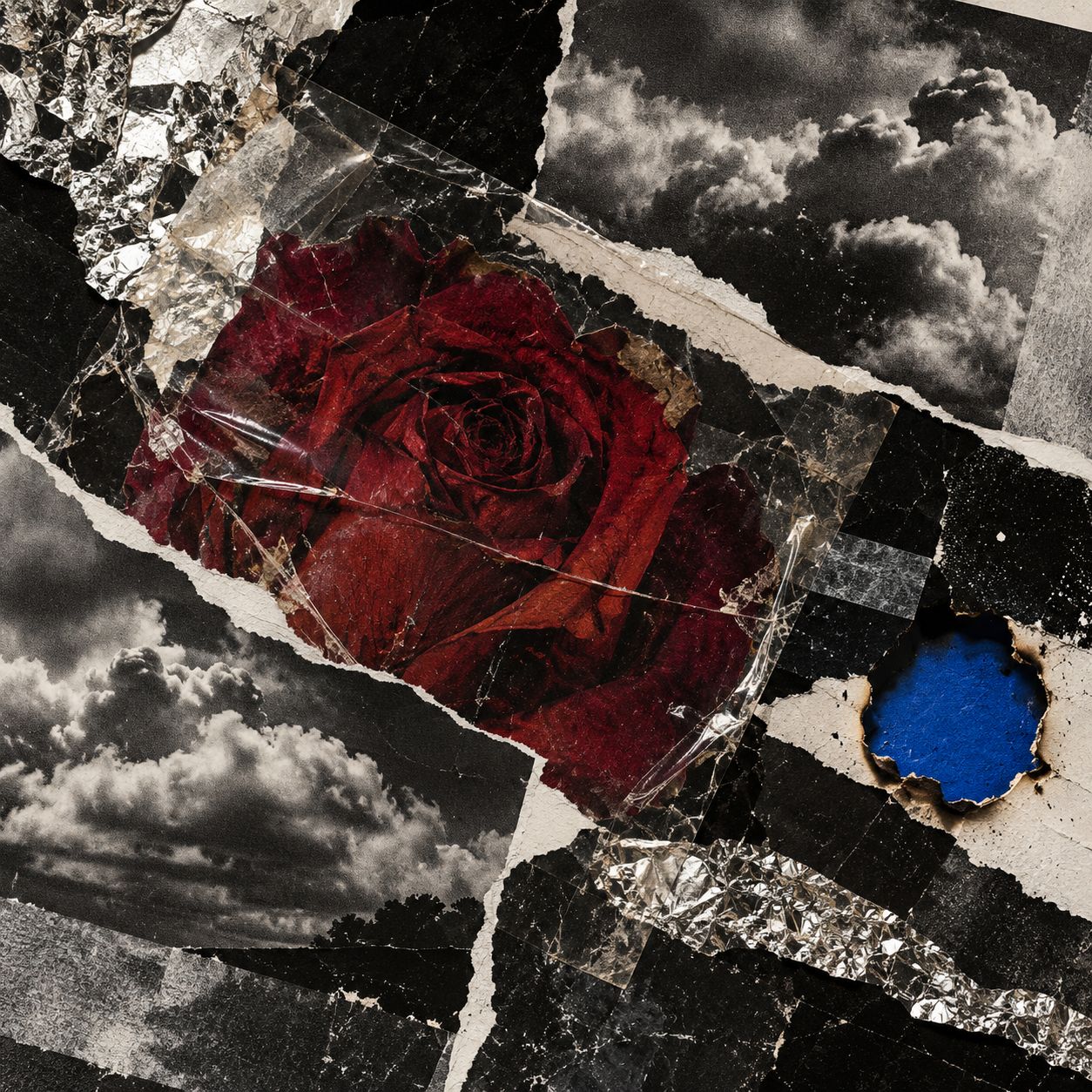
A red rose anchors a tactile collage of torn monochrome paper, clouds and foil.
Prepare references and adjust settings in the generator before starting a generation.
Prepare your references
The supplied artwork guides composition and texture. Optionally add a flower, object or portrait to replace the central rose.
Open this template in the generator and add the person or subject you want to use. Applying the template transfers its prompt and references into an editable draft.
Recreate the composition and action
- Choose one central motif and one accent color. Keep the background fragments monochrome so the subject remains the focal point.
- Layer paper, clouds and foil on different diagonals. Ask for torn fibers and cast shadows to give each edge a tactile separation.
- Review the image at thumbnail size. Keep the subject legible, then add the artist name and album title in a design tool if needed.
The draft starts in 3:4 to match the example. Switch to 1:1 in image settings when preparing a square release cover.
The template prompt
This prompt is already included in the template. Refine its subjects, outfits and setting in the generator.
Create an original album-cover artwork using the first reference image for torn-paper collage texture and high-contrast composition. Place a deep red rose slightly off center among diagonal fragments of black-and-white storm clouds, distressed paper, dark stone and reflective silver foil. Keep red as the only saturated accent, with convincing ripped fibers, overlapping layers and directional light. If a second subject image is provided, replace the rose with that subject while preserving the collage treatment. Full-bleed artwork, no lettering, logos, signatures or watermark.
Apply and refine
Image templates switch to Nano Banana 2 and include the example artwork as the first style and composition reference. Your optional subject image follows it. Check composition and subject consistency before refining color, material or aspect ratio.
Open in the generator