AI Shorts
AI Shorts
HomeCreate

Creation workspace

VideoImageModelsFreeform canvas

Studio

My projectsMedia & assetsGeneration historySettings
New shortStart with a script or reference image
AI Shorts Studio · Beta
0
AI SHORTS CREATIVE STAGE

Turn one idea into a short worth watching

Start with a script or reference image, then build characters, scenes, storyboards, and video in one project.
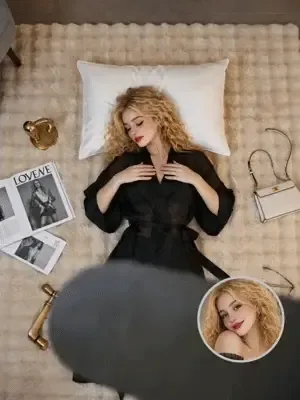
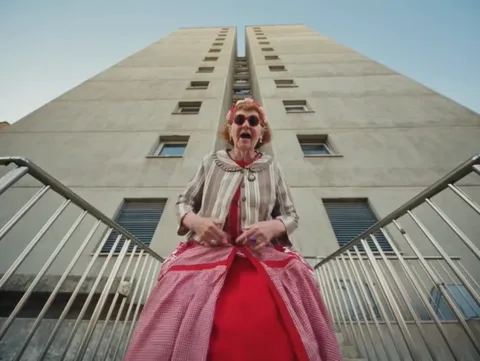
720P · 4s · 16:9
10
AI Ceiling Fan Transition
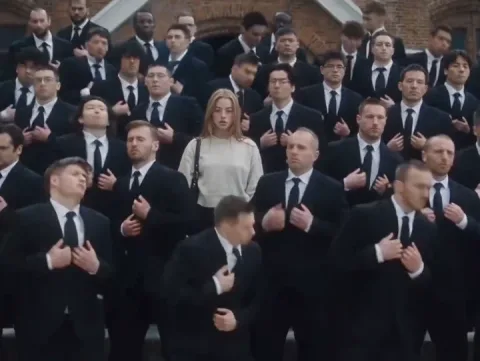
AI Central Cee Doja MV
AI STORM II Dance
AI STORM II Dance
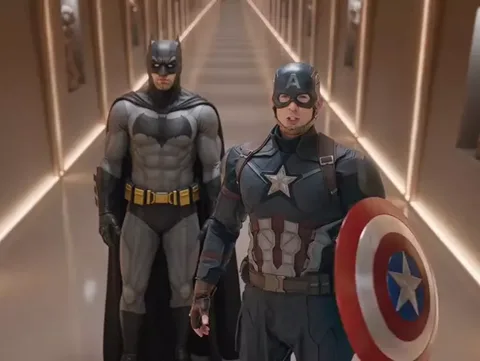
AI Hotel Lobby
AI Hotel Lobby
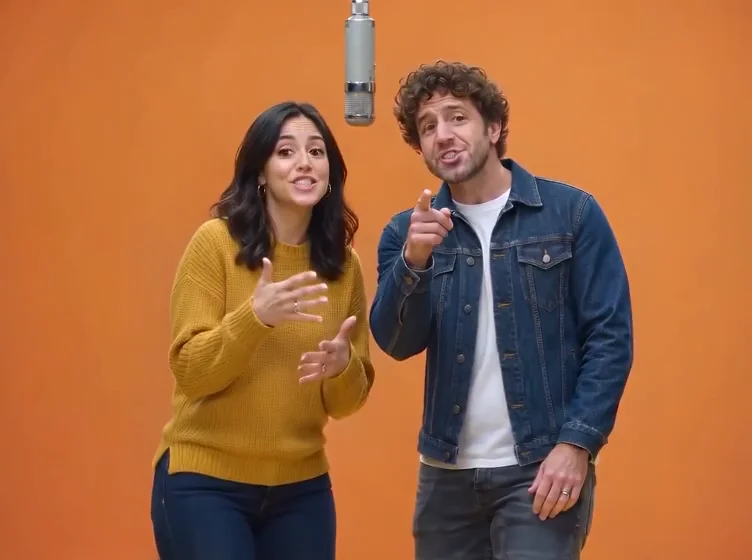
AI I Love It
AI I Love It
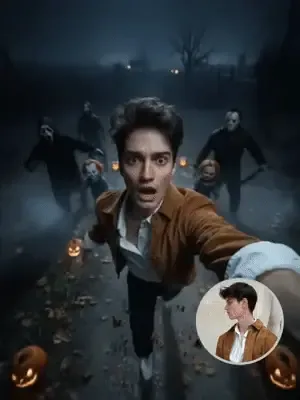
AI Escape
AI Escape
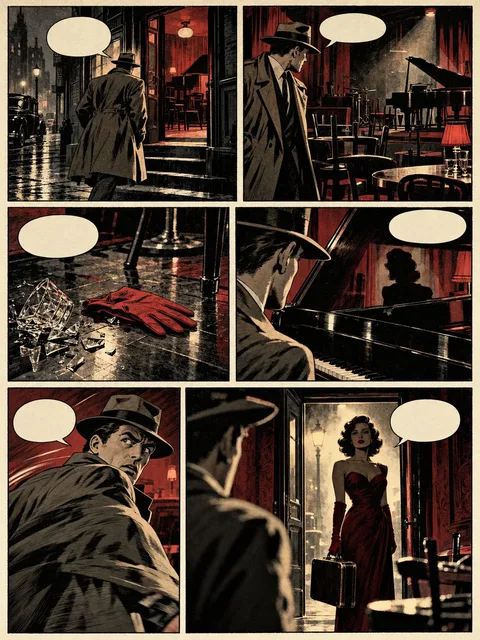
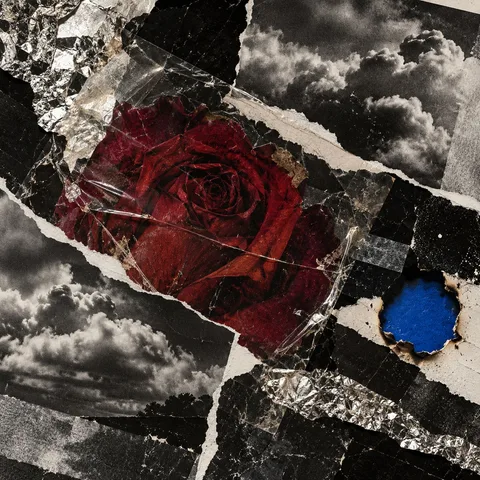
AI ComicAI ComicAI Album CoverAI Album Cover
AI APT.
AI APT.
AI Squish
AI Squish

STORY TO SHORT

Expand one story into a complete sequence

Start with a script and keep characters, scenes, storyboards, and video clips organized.

CHARACTER LOCK

Keep characters consistent across the story

Carry character settings and reference images into every following shot.

SHOT CONTROL

Adjust every shot instead of settling for one take

Review, replace, and regenerate shot by shot so drafts can move into editing.

VERTICAL FIRST

A workflow designed for vertical shorts

Build every sequence around pacing, composition, and continuity.

YOUR CUTS

Continue creating

View all
START A WORKFLOW

Start with one shot,
then connect the whole short.

Enter the studio

Script to short drama

Start with a story and break it into editable characters, scenes, and shots.

Create from references

Upload visual references to preserve character identity and the overall direction.

Freeform canvas workflow

Connect assets, storyboards, and video while keeping every generation in the project.